> For the complete documentation index, see [llms.txt](https://docs.coti.io/coti-documentation/llms.txt). Markdown versions of documentation pages are available by appending `.md` to page URLs; this page is available as [Markdown](https://docs.coti.io/coti-documentation/build-on-coti/tools/coti-wallet-plugin/example-app.md).
# Example App
A minimal React app ships in the [coti-wallet-plugin GitHub repository](https://github.com/coti-io/coti-wallet-plugin/tree/main/examples). It connects a wallet via RainbowKit and displays public and private token balances from the [COTI Token List](https://github.com/coti-io/coti-token-list).
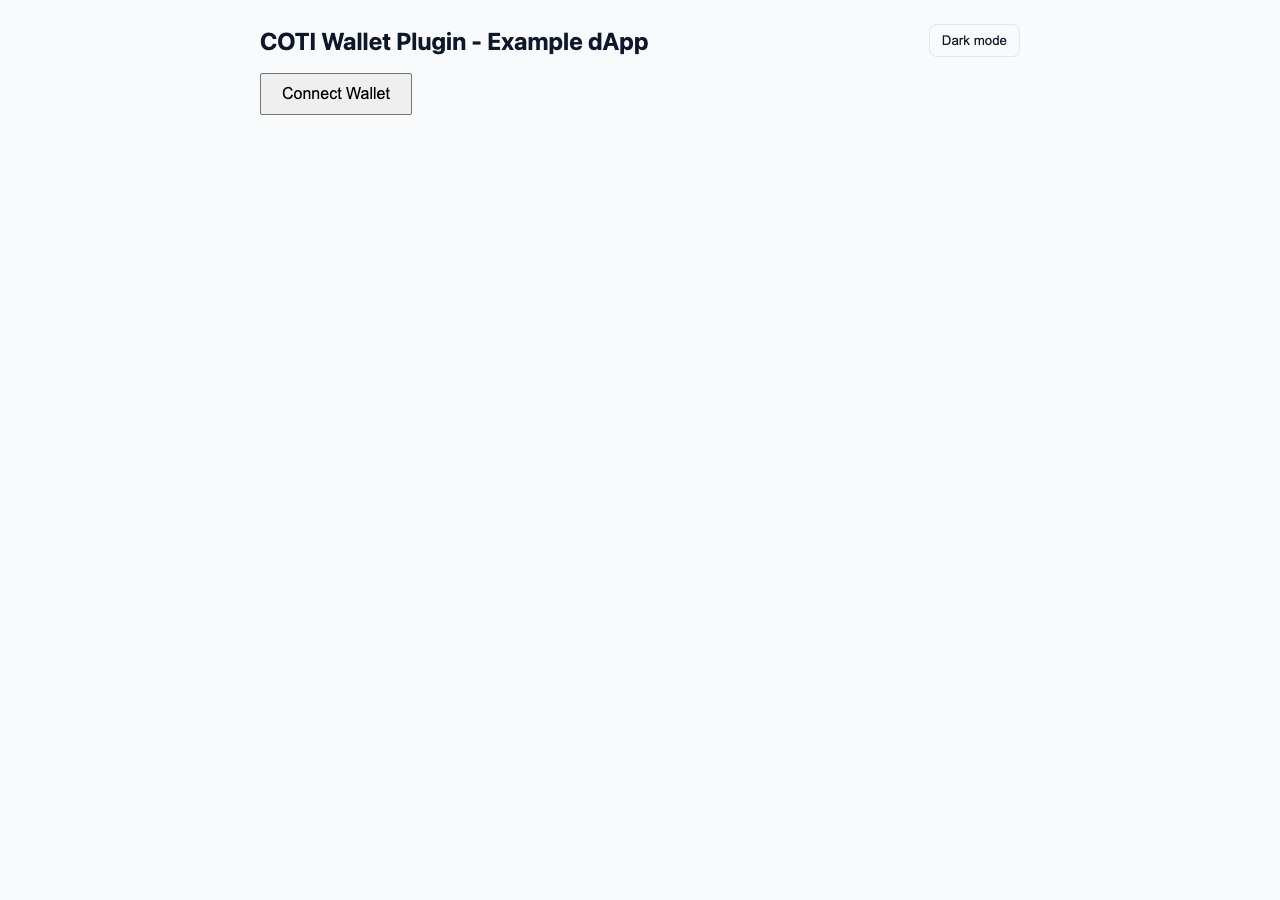
Example dApp with Connect Wallet and unlock controls
## Prerequisites
* Node.js 18+
## Setup
```bash
git clone https://github.com/coti-io/coti-wallet-plugin.git
cd coti-wallet-plugin/examples
cp .env.example .env
```
Edit `.env` and add your WalletConnect project ID (get one at ):
```
VITE_WALLETCONNECT_PROJECT_ID=your_project_id_here
```
## Run
```bash
npm run dev
```
This installs dependencies in the plugin root and examples, rebuilds the wallet plugin, then starts Vite. Use `npm run dev:vite` to skip install/build and start Vite only.
Opens at
Use the **Light mode / Dark mode** button in the header to preview onboard-modal theming, including the **Save Locally** switch card. The example passes `privateUnlock.theme` built from `src/onboardTheme.ts` — the same pattern host apps should use.
### Local Snap development
To run against a local `coti-snap` server:
```bash
# Requires coti-snap cloned as ../coti-snap with yarn install done
npm run dev:local-snap
```
This starts:
* `coti-snap` watch server at
* Snap companion dApp at
* Wallet example at with `VITE_SNAP_ID=local:http://localhost:8080`
Override the snap checkout path with `COTI_SNAP_ROOT` if needed.
## What it does
1. **Connect Wallet** — Opens the RainbowKit modal (MetaMask, Coinbase, WalletConnect, etc.)
2. **Public Balances** — Reads on-chain ERC20 `balanceOf` for all public tokens on the connected chain
3. **Native COTI** — Displays native COTI balance via wagmi
4. **Private Balances** — Click **Unlock Private Balances** to derive the AES key, then decrypted private token balances appear
Encrypted AES backups use `onboardingServices` with `mode: 'custom'`. The example implements those callbacks with browser `localStorage` (`coti-example:aes-backup::`) — the supported encrypted-backup path. The plugin does not write backups itself.
## Network
The app targets **COTI Testnet** (chain ID 7082400) by default. Switch your wallet to COTI Testnet to see token balances.
## Related docs
* [Integration Guide](/coti-documentation/build-on-coti/tools/coti-wallet-plugin/integration-guide.md)
* [Configuration](/coti-documentation/build-on-coti/tools/coti-wallet-plugin/configuration.md)
* [AES Key Onboarding](/coti-documentation/build-on-coti/tools/coti-wallet-plugin/aes-key-onboarding.md)
---
# Agent Instructions
This documentation is published with GitBook. GitBook is the documentation platform designed so that both humans and AI agents can read, navigate, and reason over technical content effectively. Learn more at gitbook.com.
## Querying This Documentation
If you need additional information that is not directly available in this page, you can query the documentation by asking a question.
Perform an HTTP GET request on the following URL with the `ask` and `goal` query parameters:
```
GET https://docs.coti.io/coti-documentation/build-on-coti/tools/coti-wallet-plugin/example-app.md?ask=&goal=
```
`ask` is the immediate question: it should be specific, self-contained, and written in natural language.
`goal` is what the user is ultimately trying to achieve, the reason they need the answer. Sharing it helps GitBook give you a better, more relevant answer. A goal is most helpful when it describes the outcome the user wants rather than restating the question. For example, with `ask=how do I create an API token`, a goal like `automate deployments from our CI pipeline` lets GitBook tailor the answer to that use case.
The response will contain a direct answer to the question and relevant excerpts and sources from the documentation.
Use this mechanism when the answer is not explicitly present in the current page, you need clarification or additional context, or you want to retrieve related documentation sections.